-
Hajipur, Bihar, 844101

C Programming Roadmap for Beginners 2026: Get Job-Ready Fast

Published By
Bikki SinghSo, you’ve decided to learn C? First off, let’s clear the air. In a world of drag-and-drop website builders and AI that writes code for you, choosing to learn C is a bold move. It’s like learning to build an engine from scratch rather than just learning how to drive a car.
Many beginners often ask, "Is C still worth learning in 2026?" With AI writing half the code on the internet and Python dominating data science, it’s a valid question. But here is the reality: C remains the "Mother of all Languages." Whether it’s the OS running your phone, the firmware in your microwave, or the high-frequency trading bots on Wall Street, C is the backbone. If you master C, you don’t just learn a syntax; you learn how computers actually think.
This C programming roadmap 2026 is designed to take you from "What is a variable?" to "I can manage memory like a pro." Let’s dive in.
Why Most Beginners Fail in C (and How You Can Avoid It)
Before we touch a single line of code, we have to address the elephant in the room. Most students quit C within three weeks. Why? Because they treat it like a history book—memorizing definitions instead of building things.
In C, the compiler is a strict teacher. It won't let you get away with "close enough." You need to understand Why Most Beginners Fail in Coding to ensure you don't fall into the "tutorial hell" trap.
The C Mindset
-
Active Voice Learning: Don't just watch a video. Type every semicolon.
-
Patience with Errors: Segfaults (segmentation faults) are not failures; they are clues.
-
Consistency: Use a Daily Coding Practice Routine for Beginners That Actually Works in 2026 to keep your momentum.
Step By Step C Programming Roadmap 2026
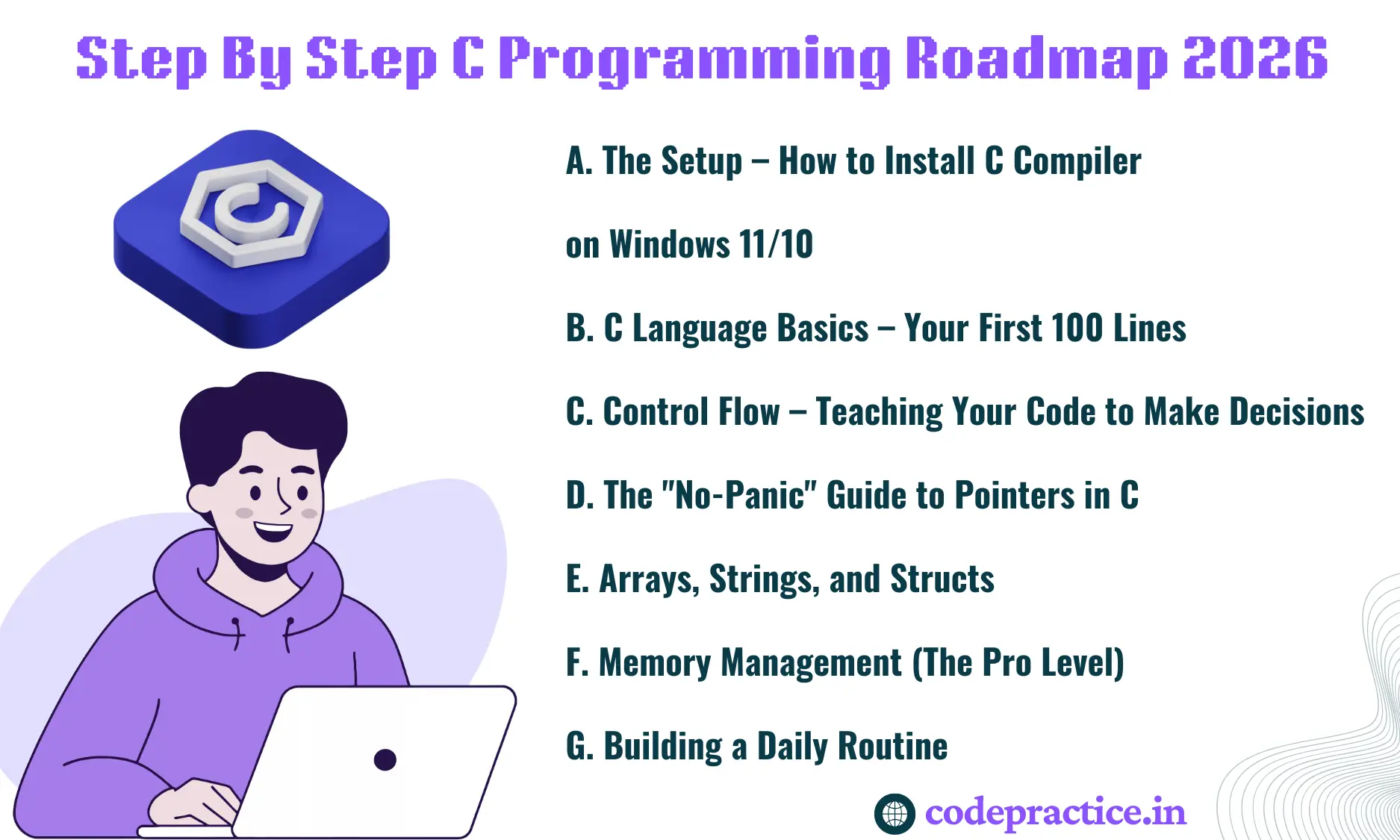
Step1: The Setup – How to Install C Compiler on Windows 11/10
You can’t write code in a vacuum. You need a compiler—a tool that translates your human-readable text into machine-readable binary.
-
The Compiler: For Windows users, MinGW-w64 is the gold standard. It provides the GCC (GNU Compiler Collection).
-
The Editor: Don't overcomplicate this. Download VS Code. It’s lightweight and has great extensions for C/C++.
-
The Connection: Install the "C/C++" extension by Microsoft inside VS Code. Point it to your MinGW installation path.
Once you can type gcc --version in your terminal and get a response, you are officially ready to build.
Step 2: C Language Basics – Your First 100 Lines
Every C programming tutorial for beginners starts with "Hello World," and for good reason. It proves your environment works. But once that’s done, you need to master the building blocks.
1. C Syntax Guide & Structure
A C program follows a rigid structure:
-
Preprocessor Directives:
#include <stdio.h>– Telling the program to include standard input/output tools. -
The Main Function:
int main() { ... }– This is the entry point. The computer starts reading from here. -
Semicolons: Every statement ends with a
;. Forget one, and the compiler will scream.
2. Data Types and Variables
C is "statically typed." This means you must tell the computer exactly what kind of data a variable holds.
-
int: For whole numbers. -
float/double: For decimals. -
char: For single characters.
3. Format Specifiers
This is where beginners often trip up. To print or scan values, you use codes like %d for integers, %f for floats, and %c for characters. It feels clunky at first, but it gives you total control over data formatting.
Step 3: Control Flow – Teaching Your Code to Make Decisions
A program that just runs from top to bottom is just a list. To make it "smart," you need logic.
If-Else Statements
This is the "fork in the road."
if (age >= 18) {
    printf("You can vote.");
} else {
    printf("Not yet!");
}
Switch-Case
When you have multiple specific options (like a menu), switch is much cleaner than a dozen if-else blocks.
For Loops and While vs Do-While
Loops are the engine of your program.
-
For Loops: Use these when you know exactly how many times you want to repeat (e.g., printing numbers 1 to 10).
-
While Loops: Use these when you want to keep going until a condition changes (e.g., "Keep asking for a password until it’s correct").
Step 4: The "No-Panic" Guide to Pointers in C
If you ask any senior dev about the C developer path, they will all mention one word: Pointers.
A pointer is simply a variable that stores the address of another variable. Instead of holding the value 10, it holds the location in your RAM where 10 is stored.
Why does this matter?
-
Efficiency: Instead of copying a massive amount of data, you just pass its "address."
-
Direct Control: You can manipulate memory directly, which is why C is so fast.
Think of it like this: If I want you to read a book, I don't give you a copy of the whole library; I give you the address of the library and the shelf number. That’s a pointer.
Step 5: Arrays, Strings, and Structs
Once you understand single variables, you need to group them.
-
Arrays: A row of boxes holding the same data type.
-
Strings: In C, a string is just an array of characters ending in a null terminator
\0. Understanding this helps you realize why "Buffer Overflows" happen. -
Structs: This allows you to create your own "data types." If you want to store a "Student" profile, a struct lets you bundle an
int age, achar name[], and afloat gpainto one package.
Step 6: Memory Management (The Pro Level)
This is where C separates itself from Python or Java. In those languages, a "Garbage Collector" cleans up your mess. In C, you are the garbage collector.
Using functions like malloc() (Memory Allocation) and free(), you manually grab chunks of RAM and release them when done. If you forget to free(), you get a Memory Leak. This is a vital skill if you are following a Coding Practice Roadmap for College Students, as it is a favorite topic in technical interviews.
Step 7: Building a Daily Routine
You cannot master C by binge-watching tutorials on a weekend. You need a Daily Coding Practice Routine for Beginners That Actually Works in 2026.
-
Spend 30 minutes writing code.
-
Spend 15 minutes debugging.
-
Spend 15 minutes reading someone else's code on GitHub.
Consistency beats intensity every single time. If you’re just starting your journey, you might also want to look at How to Learn Coding from Scratch in 2025 (Step-by-Step Guide) to see how C fits into the bigger picture.
C vs Python for Beginners: Which Should You Choose?
It is tempting to start with Python because the syntax looks like English. However, starting with C gives you a "low-level" understanding. When you later move to Python, you’ll understand why things work the way they do.
If you’re still undecided, check out our guide on How to Learn Coding from Scratch in 2025 for a broader perspective on language selection.
How to Get a Job with C Programming in 2026
You might wonder if C is enough to get hired. While most web dev jobs use JavaScript or Python, C is the king of:
-
Embedded Systems: Smartwatches, automotive sensors, IoT devices.
-
Game Engines: High-performance parts of engines like Unreal or Unity.
-
Operating Systems: Linux, Windows, and macOS are all built largely in C/C++.
-
Cybersecurity: Understanding C is essential for exploit development and malware analysis.
To land these roles, you need more than just a certificate. You need projects.
-
Build a File Compression Tool.
-
Create a simple Shell (Terminal).
-
Code a classic Snake Game in the console.
To gauge your progress, read How Much Coding Practice Is Enough to Get a Job? to see where you stand on the 2026 mastery scale.
Is Coding Still a Good Career in 2026?
With the rise of AI, some fear that coding is a dying craft. The "raw truth" is that AI can write syntax, but it struggle with system architecture and memory optimization—the very things you learn in C.
The demand for developers who understand the core of the machine is actually increasing. For a deep dive into the industry's future, read Is Coding Still a Good Career in 2026? The Raw Truth from a Mentor.
Summary Checklist for Your C Roadmap
| Milestone | Key Concepts to Master | Goal |
| Week 1-2 | Syntax, Variables, Data Types | Build a basic calculator. |
| Week 3-4 | Loops, If-Else, Functions | Create a number guessing game. |
| Week 5-7 | Arrays, Strings, Pointers | Implement a basic search algorithm. |
| Week 8-10 | Structs, File I/O, Malloc | Build a Student Management System. |
| Week 11+ | Data Structures (Linked Lists) | Contribute to an Open Source C project. |
Final Thoughts
C isn't just a language; it's a rite of passage. It’s frustrating, it’s pedantic, and it will crash your computer if you aren't careful with pointers. But once you master it, every other language will feel like a toy.
Stop reading and start compiling. Your future self will thank you for the solid foundation you’re building today.
Frequently Asked Questions (FAQs)
Q1: Is C programming still worth learning in 2026?
Yes, C programming is more relevant than ever in 2026. While AI handles high-level scripting, C remains the undisputed king of system-level programming, embedded systems, and IoT devices. Mastering C provides a foundational understanding of memory management and hardware interaction that makes learning modern languages like Rust or Mojo much easier.
Q2: Which is better for beginners in 2026: C or Python?
It depends on your goal. If you want to build AI models or web apps quickly, start with Python. However, if you want a career in cybersecurity, game engines, or robotics, starting with C is better. C teaches you "how computers work," whereas Python teaches you "how to write scripts." Most top-tier engineers recommend learning C first to build a "low-level" mental model.
Q3: Can I learn C programming with AI tools like ChatGPT or Claude?
Absolutely. In 2026, the best way to learn C is to use AI as a 24/7 personal mentor. Use AI to explain "Segmentation Faults," generate practice problems, or do a line-by-line code review. However, never copy-paste AI code without understanding it; in C, a single misunderstood character can lead to critical memory leaks.
Q4: How long does it take to learn C from scratch?
For a complete beginner, it takes approximately 8 to 12 weeks to learn C programming fundamentals. The first month focuses on basic syntax and logic, while the second month covers advanced concepts like pointers and arrays. By the third month, with consistent daily practice, most learners can build functional projects and manage manual memory effectively.
Q5: What are the best C projects for a resume in 2026?
The best C projects for a 2026 resume are those that demonstrate system-level mastery. Focus on building a custom Command-Line Shell, a File Compression Tool using Huffman Coding, or a simple Web Server. These projects prove to employers that you can handle complex memory management, pointers, and file handling—skills that are highly valued in specialized engineering roles.
Related Tags:
C Programming Roadmap 2026
Learn C from Scratch
C Programming for Beginners
C Language Basics
C Developer Path
C Syntax Guide
Best way to learn C language
C Programming for BTech/BCA Prep
C Roadmap for Embedded Systems
C Cheatsheet for Beginners
Is C still worth learning in 2026?
How long does it take to learn C?
C vs Python for beginners


Hi, I'm Bikki Singh — Full Stack Developer, coding language trainer, and founder of CodePractice.in. With 5+ years of hands-on web development experience, I've trained 500+ students across India in Python, PHP, Java, C, C++, MySQL, and front-end technologies like HTML, CSS, and JavaScript. I started CodePractice.in with one goal: make programming education practical, not theoretical. Every tutorial and blog I write is built around real projects and interview scenarios — so learners don't just understand code, they can actually use it.


Read Coding Blogs on Different Topics
Learn Our Free Tutorials on

Submit Your Reviews