-
Hajipur, Bihar, 844101
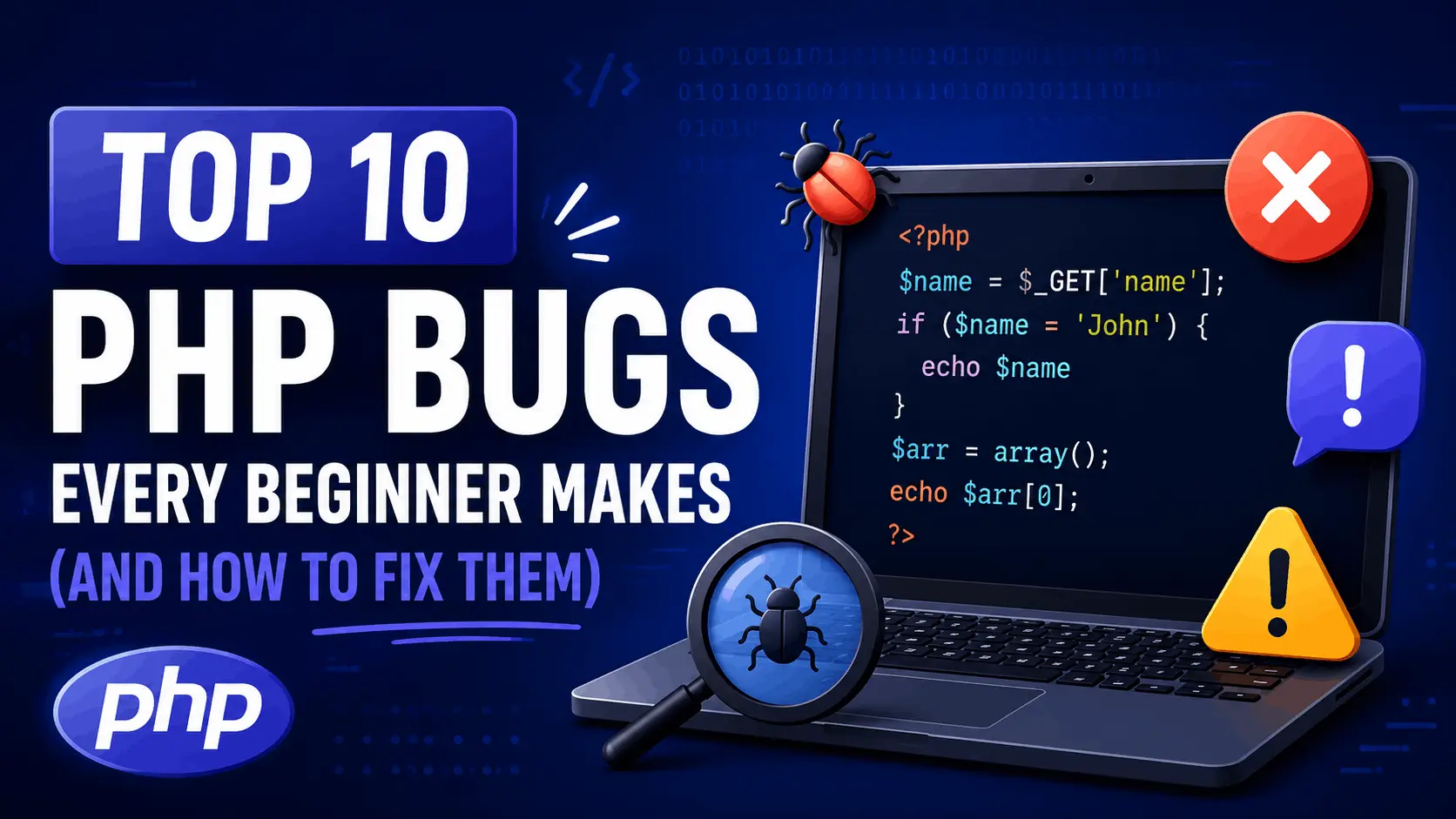
Top 10 PHP Bugs Every Beginner Makes (And How to Fix Them)

Published By
Bikki SinghTL;DR: The most common PHP bugs for beginners include type coercion surprises, missing error reporting, undefined variable warnings, and broken SQL from skipped sanitization. Fix them once, and you'll stop seeing the same crashes over and over.
You write what looks like perfectly reasonable PHP. You hit refresh. Blank white screen. No error. No clue. Welcome to PHP debugging — where the language will silently swallow your mistakes if you let it.
These aren't edge cases. Every PHP beginner trips over the same ten bugs. Here's what they are, why they happen, and exactly how to fix them.
What Are PHP Bugs for Beginners?
PHP bugs for beginners are coding errors that arise from misunderstanding how PHP handles types, output buffering, superglobals, and error visibility. Unlike compiled languages that catch mistakes before runtime, PHP often fails silently — which makes debugging feel impossible until you know where to look.
Think of PHP like a forgiving friend who nods along even when you say something wrong. You need to force it to speak up.
First: Turn Error Reporting On
Before anything else — if you skip this, debugging PHP is like driving blindfolded.
By default, many PHP configurations hide errors. Here's how to expose them during development:
<?php
// Put this at the very top of your PHP file during development
ini_set('display_errors', 1);
ini_set('display_startup_errors', 1);
error_reporting(E_ALL); // Show every type of error, warning, and notice
Never run this in production. Set display_errors = Off in your php.ini there and log to a file instead. But locally? Turn it all on.
Go In Depth: PHP error reporting docs
The 10 Most Common PHP Bugs (And How to Fix Them)
According to the Stack Overflow Developer Survey 2024, PHP remains one of the top 10 most-used languages — meaning millions of new developers are hitting these exact same walls every year.
Bug 1: The Blank White Screen (Syntax Error)
This gets everyone. You add one line, refresh, and get nothing. Not even an error.
The cause is almost always a syntax error — a missing semicolon, an unclosed bracket, a forgotten quote.
Bad code:
<?php
$username = "Sanvi"  // Missing semicolon — PHP chokes here silently
echo "Hello, " . $username;
Fixed code:
<?php
$username = "Sanvi"; // Semicolons end every statement in PHP
echo "Hello, " . $username;
With error_reporting(E_ALL) on, PHP will tell you the exact line. Without it, you get a blank screen and existential dread.
Bug 2: Loose Comparison Traps (== vs ===)
This part confuses almost everyone at first. PHP's == operator does type coercion — it converts values before comparing. That produces some genuinely baffling results.
Bad code:
<?php
$userInput = "0"; // Came in from a form as a string

if ($userInput == false) {
    // This runs — "0" coerces to false in a loose comparison
    echo "Input is falsy";
}

// Even weirder:
var_dump(0 == "foo");  // bool(true) in PHP 7, bool(false) in PHP 8 — version matters!
Fixed code:
<?php
$userInput = "0";

// Use === for strict comparison — checks type AND value
if ($userInput === false) {
    echo "This won't run, because '0' is a string, not a boolean";
}

// Correct check for empty string input:
if ($userInput === "" || $userInput === null) {
    echo "Empty input";
}
PHP 8.2 fixed some of the worst == behavior, but strict comparison (===) is always the safer default. Use it.
Go In-Depth: PHP type comparison tables
Bug 3: Undefined Variable Warnings
You'll see: Notice: Undefined variable: userName. Your page might still load, but this warning means your logic is already broken somewhere.
Bad code:
<?php
// $userName was never assigned — maybe a typo, maybe wrong scope
echo "Welcome, " . $userName;
Fixed code:
<?php
$userName = $_GET['name'] ?? 'Guest'; // Nullish coalescing — clean PHP 8 syntax
echo "Welcome, " . $userName;
The ?? operator returns the right-hand value when the left side is null or doesn't exist. Cleaner than an isset() chain.
Bug 4: Variable Scope Inside Functions
PHP doesn't share global variables into functions automatically. This trips up almost every beginner.
Bad code:
<?php
$siteName = "MyApp";

function showHeader() {
    // $siteName is not accessible here — it's outside the function's scope
    echo "<h1>" . $siteName . "</h1>"; // Notice: Undefined variable
}

showHeader();
Fixed code:
<?php
$siteName = "MyApp";

function showHeader(string $name): void {
    // Pass the value as a parameter — this is the right approach
    echo "<h1>" . htmlspecialchars($name) . "</h1>";
}

showHeader($siteName);
You can use the global keyword, but passing values as parameters is cleaner, testable, and doesn't create hidden dependencies.
Bug 5: SQL Injection from Unparameterized Queries
This isn't a bug — it's a vulnerability. And I've seen it in production codebases that were years old.
Bad code (never do this):
<?php
// $userId comes directly from user input — catastrophic
$userId = $_GET['id'];
$query = "SELECT * FROM users WHERE id = " . $userId;
// Attacker passes: ?id=1 OR 1=1 — now they get every row
$result = mysqli_query($conn, $query);
Fixed code:
<?php
// Use prepared statements — always
$userId = $_GET['id'];

$stmt = $conn->prepare("SELECT * FROM users WHERE id = ?");
$stmt->bind_param("i", $userId); // "i" = integer type binding
$stmt->execute();
$result = $stmt->get_result();
The ? placeholder tells MySQL to treat the value as data, not SQL. The query structure is locked before the user input is ever inserted.
Go In-Depth: PHP prepared statements
Bug 6: Forgetting htmlspecialchars() on Output
If SQL injection is the attack vector for your database, XSS (Cross-Site Scripting) is the attack vector for your users. Displaying raw user input in HTML is how it happens.
Bad code:
<?php
// If $comment contains <script>alert('hacked')</script>, that runs in the browser
echo "<p>" . $_POST['comment'] . "</p>";
Fixed code:
<?php
// htmlspecialchars converts < > & " ' into safe HTML entities
$safeComment = htmlspecialchars($_POST['comment'], ENT_QUOTES, 'UTF-8');
echo "<p>" . $safeComment . "</p>";
The ENT_QUOTES flag handles both single and double quotes. The UTF-8 charset argument prevents encoding tricks. Both matter.
Bug 7: Headers Already Sent Error
Warning: Cannot modify header information — headers already sent by...
This error means you tried to call header() or setcookie() after PHP had already sent output to the browser. Even one space before <?php causes this.
Bad code:
<?php // ← There's a space before this, or output was echoed earlier

echo "Loading..."; // Output sent here

header("Location: /dashboard.php"); // Too late — headers already sent
Fixed code:
<?php
// No output before header() calls — not even whitespace outside PHP tags

// Do your redirect logic first
$isLoggedIn = checkLogin();

if (!$isLoggedIn) {
    header("Location: /login.php");
    exit(); // Always exit after a redirect — otherwise code keeps running
}

// Output comes after all header manipulation
echo "Welcome to the dashboard";
exit() after header() is not optional. Without it, the rest of your script runs even though the user's browser is redirecting.
Bug 8: Array Key Errors vs. isset() Checks
Accessing an array key that might not exist throws a notice and can break conditional logic.
Bad code:
<?php
// If 'email' wasn't submitted, this throws: Undefined index: email
$email = $_POST['email'];

if ($email !== "") {
    // process...
}
Fixed code:
<?php
// Check existence before accessing
$email = isset($_POST['email']) ? trim($_POST['email']) : '';

// Or with the null coalescing operator (cleaner in PHP 7+):
$email = trim($_POST['email'] ?? '');

if ($email !== "") {
    // Safe to process now
}
trim() removes accidental whitespace. ?? handles the missing key. Both lines of defense matter when dealing with form input.
Bug 9: Misunderstanding include vs require
They look the same. They're not.
| Feature | include |
require |
|---|---|---|
| File missing | Warning, script continues | Fatal error, script stops |
| Use when | File is optional | File is critical |
| Variants | include_once |
require_once |
Bad code:
<?php
include 'db_connection.php'; // If this file is missing, PHP keeps running without a DB
$result = $db->query("SELECT * FROM users"); // Fatal error here — $db is undefined
Fixed code:
<?php
require_once 'db_connection.php'; // If missing, PHP stops immediately with a clear error
$result = $db->query("SELECT * FROM users"); // Only runs if the file loaded
Use require_once for anything your script can't run without. include is for optional templates or partials.
Bug 10: Ignoring Return Values
PHP functions return false on failure. If you don't check, you'll call methods on false and get cryptic errors.
Bad code:
<?php
$fileContents = file_get_contents('/path/to/missing-file.txt');
// Returns false if file doesn't exist — but we're treating it like a string
$lines = explode("\n", $fileContents); // Warning: expects string, bool given
Fixed code:
<?php
$fileContents = file_get_contents('/path/to/config.txt');

// Always check for false before using the result
if ($fileContents === false) {
    // Handle the error — log it, show a message, throw an exception
    throw new RuntimeException("Config file could not be read.");
}

$lines = explode("\n", $fileContents); // Safe to use now
The bug that gets most developers here is chaining operations without a failure check. One missing file or failed DB query can cascade into ten confusing errors downstream.
PHP.net reports that file_get_contents is one of the most-called functions across PHP codebases — and one of the most common sources of unchecked return values in beginner code.
Wrapping Up
PHP bugs for beginners almost always come down to the same patterns: hidden errors, type surprises, unvalidated input, and scope confusion. None of these are hard to fix once you know what to look for. Turn on error reporting, use strict comparison, always check return values, and sanitize anything that touches a user or a database. Those four habits alone will eliminate 80% of the bugs in this list.
Your next step: take an existing PHP project — even a small one — and audit it against this list. How many of these are lurking in your codebase right now?
PHP form validation tutorial → Learn PHP Form Validation
Go-In Depth: PHP official documentation
Go-In Depth: OWASP SQL Injection prevention cheatsheet
Frequently Asked Questions (FAQs)
Q1: Why is my PHP page showing a blank white screen?
Almost always a syntax error — missing semicolon, unclosed bracket, or malformed string. Enable error_reporting(E_ALL) and display_errors = 1 at the top of your file to surface the real problem. PHP hides errors by default in many configurations.
Q2: What's the difference between == and === in PHP?
== compares values after type coercion, which causes surprises like "0" == false evaluating to true. === compares both value and type with no coercion. In PHP 8.x, use === as your default — it's predictable and prevents logic bugs.
Q3: How do I fix "headers already sent" in PHP?
Make sure nothing outputs to the browser before you call header(). That includes echo statements, HTML outside PHP tags, and even a space or BOM before <?php. Always call exit() immediately after header("Location: ...").
Q4: Why can't my function access a variable I defined outside it?
PHP uses function-level scope. Variables defined outside a function don't exist inside it unless you pass them as parameters or explicitly declare them with global $varName. Passing as parameters is the cleaner approach.
Q5: What's the safest way to handle form input in PHP?
Use $_POST['field'] ?? '' to avoid undefined index warnings. Sanitize with htmlspecialchars() before displaying output. Use prepared statements with mysqli or PDO before inserting into a database. Never trust raw input.
Related Tags:
PHP bugs for beginners
common PHP errors
PHP debugging tips
PHP mistakes beginners
fix PHP errors
PHP error handling
Hi, I'm Bikki Singh — Full Stack Developer, coding language trainer, and founder of CodePractice.in. With 5+ years of hands-on web development experience, I've trained 500+ students across India in Python, PHP, Java, C, C++, MySQL, and front-end technologies like HTML, CSS, and JavaScript. I started CodePractice.in with one goal: make programming education practical, not theoretical. Every tutorial and blog I write is built around real projects and interview scenarios — so learners don't just understand code, they can actually use it.


Read Coding Blogs on Different Topics
Learn Our Free Tutorials on

Submit Your Reviews