-
Hajipur, Bihar, 844101
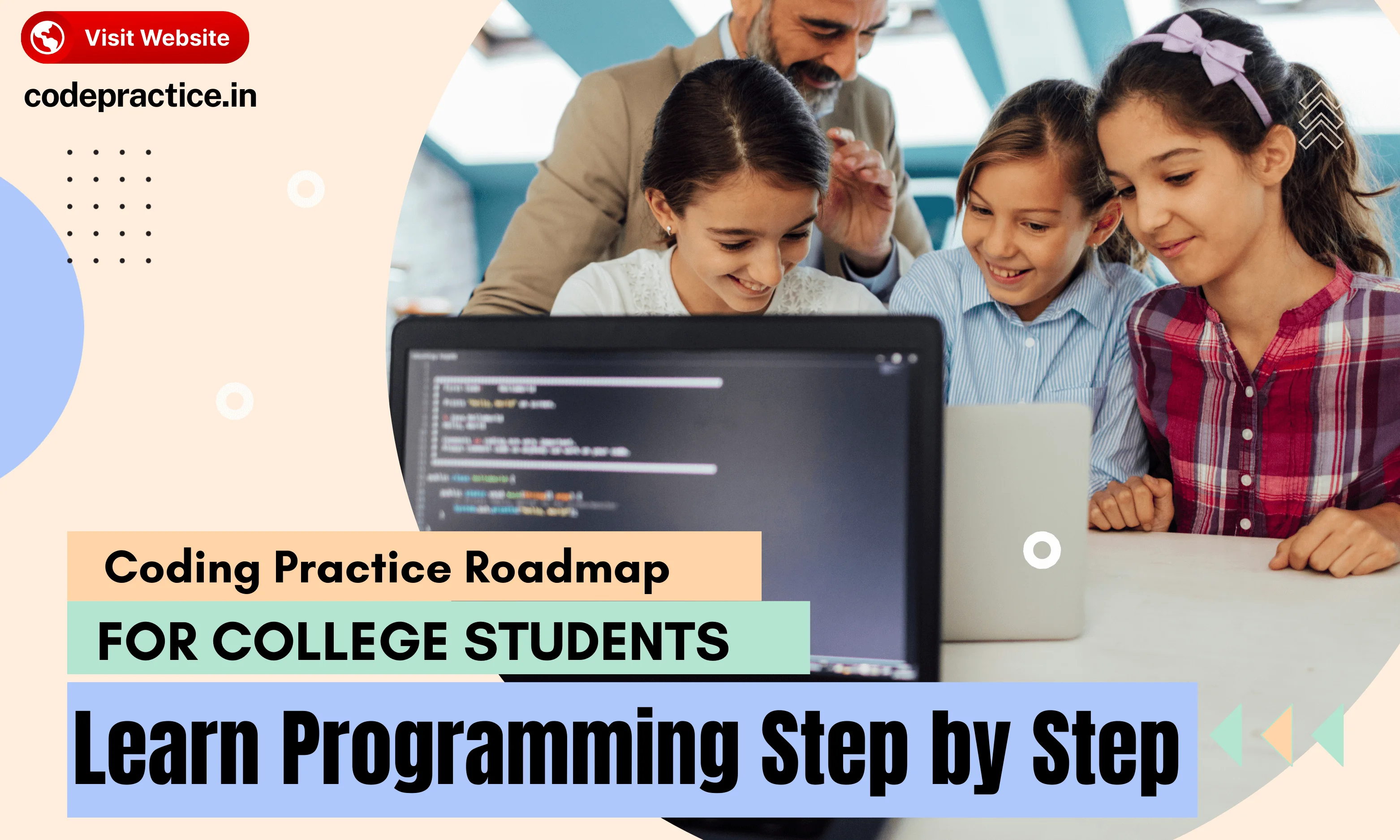
Coding Practice Roadmap for College Students: Learn Programming Step by Step

Published By
Bikki SinghIn today’s competitive world, coding has become an essential skill for college students. Whether you are pursuing engineering, computer science, IT, or even non-technical courses, learning programming in college can open doors to internships, campus placements, freelance opportunities, and long-term career growth. However, most students struggle because they don’t follow a structured coding roadmap for college students. Random tutorials, inconsistent practice, and a lack of clarity can slow down progress and reduce confidence.
This guide provides a complete coding practice roadmap for college students, helping you learn programming step by step, build strong fundamentals, practice coding daily, and become job-ready. All advice here is practical, actionable, and designed for real college schedules.
Why College Students Need a Coding Practice Roadmap
Many students start coding with excitement but lose direction after a few weeks. The main reasons include:
-
Learning multiple programming languages at once
-
Practicing only before exams or placements
-
Watching tutorials without implementing code
-
Skipping fundamentals and rushing to advanced topics

A college coding practice guide helps you:
-
Build strong foundations in programming
-
Practice daily without wasting time
-
Prepare for coding interviews and placements
-
Gain confidence through visible progress
A roadmap provides structure and clarity, making learning programming less stressful and more effective.
Also Read: How to Learn Coding from Scratch in 2025 (Step-by-Step Guide)
Step 1: Choose the Best Programming Language for Beginners
Selecting the right programming language is the first step in your coding journey. College students often get confused between Python, C, C++, and Java. Choosing the right language sets the foundation for smooth learning and faster progress.
Recommended programming languages for college students
-
C – Excellent for understanding low-level concepts, memory management, and logic building. ✅ Learn Now
-
C++ – Ideal for data structures, algorithms, and campus placements. ✅ Learn Now
-
Java – Widely used in industry with strong object-oriented concepts. ✅ Learn Now
-
Python – Beginner-friendly, versatile, and great for data science, AI, and web development. ✅ Learn Now
Tip: Focus on learning one programming language deeply instead of jumping between many. This helps you master logic and problem-solving without confusion.
Example (Python basic program):
# Program to check if a number is prime
num = int(input("Enter a number: "))
if num > 1:
    for i in range(2, num):
        if num % i == 0:
            print(num, "is not a prime number")
            break
    else:
        print(num, "is a prime number")
else:
    print(num, "is not a prime number")
This simple program demonstrates logic, loops, and conditional statements—the foundation of daily coding practice for students.
Step 2: Build Strong Fundamentals in Programming
Why programming fundamentals matter
Many students try to jump into advanced topics too early. Without solid fundamentals, coding becomes frustrating, debugging takes longer, and problem-solving suffers. Strong fundamentals allow you to learn coding step by step and solve real-world problems efficiently.
Core topics to practice
-
Variables and data types
-
Input and output handling
-
Operators and expressions
-
Conditional statements
-
Loops (for, while, do-while)
-
Functions and return values
-
Arrays and strings
-
Basic recursion
Example (C++ function):
#include <iostream>
using namespace std;

// Function to calculate factorial
int factorial(int n) {
    if (n <= 1) return 1;
    return n * factorial(n - 1);
}

int main() {
    int num;
    cout << "Enter a number: ";
    cin >> num;
    cout << "Factorial of " << num << " is " << factorial(num);
    return 0;
}
How to practice effectively
-
Write small programs daily
-
Experiment by modifying inputs and logic
-
Avoid copy-pasting code
-
Focus on understanding program flow
Building fundamentals is the most important step in your college coding practice routine.
Step 3: Develop Logical Thinking Through Daily Coding Practice
Why logic is more important than language
Coding is all about problem-solving. A student who understands logic can easily switch languages later. That’s why practicing logic is crucial in a college coding practice guide.
Recommended beginner problems
-
Number problems (prime, factorial, palindrome)
-
Pattern printing
-
Simple array and string operations
-
Conditional and loop-based problems
Example (Pattern printing in Python):
# Print a pyramid pattern
rows = 5
for i in range(1, rows + 1):
    print(' ' * (rows - i) + '*' * (2 * i - 1))
Daily routine for problem solving
Solve 2–4 problems daily. Focus on understanding the solution, predicting output, and learning multiple approaches. Over time, problem-solving speed and accuracy will improve.
Also Read: Best Python Libraries for AI and Machine Learning in 2025
Step 4: Learn Data Structures for Placements
Why data structures are essential
Most technical interviews and campus placements test knowledge of data structures and algorithms for beginners. Understanding how to store and manage data efficiently sets apart good programmers from average ones.
Key data structures to learn in order
-
Arrays
-
Strings
-
Linked Lists
-
Stacks
-
Queues
-
Recursion and backtracking
-
Trees
-
Binary Search Trees
-
Hashing
-
Heaps
-
Graphs
Example (Stack implementation in Python):
stack = []

# Push elements
stack.append(1)
stack.append(2)
stack.append(3)

# Pop elements
print(stack.pop())  # Output: 3
print(stack.pop())  # Output: 2
Best way to practice data structures
-
Understand how they work internally
-
Implement from scratch without using libraries
-
Solve beginner to medium problems on coding platforms
-
Revise topics regularly
Mastering data structures is critical for coding projects for college students and placement success.
Step 5: Strengthen Algorithm Skills
Importance of algorithms
Algorithms help you solve problems efficiently. They are the backbone of competitive programming and placement interviews.
Must-learn algorithms
-
Linear search and binary search
-
Sorting techniques (bubble, insertion, selection, merge, quick)
-
Two-pointer technique
-
Sliding window
-
Greedy algorithms
-
Basic dynamic programming
-
BFS and DFS for trees and graphs
Also Read: Best Python Libraries for AI and Machine Learning in 2025
Example (Binary Search in C++):
#include <iostream>
using namespace std;

int binarySearch(int arr[], int size, int target) {
    int low = 0, high = size - 1;
    while (low <= high) {
        int mid = (low + high) / 2;
        if (arr[mid] == target) return mid;
        else if (arr[mid] < target) low = mid + 1;
        else high = mid - 1;
    }
    return -1;
}

int main() {
    int arr[] = {1, 3, 5, 7, 9};
    int n = sizeof(arr)/sizeof(arr[0]);
    int target = 5;
    cout << "Element found at index: " << binarySearch(arr, n, target);
}
How to practice algorithms
-
Start with simple problems
-
Dry-run code on paper
-
Implement multiple variations
-
Focus on time and space complexity
Strong algorithms knowledge improves your performance in both college coding practice guides and interviews.
Step 6: Understand Time and Space Complexity
Learning time and space complexity ensures your solutions are not just correct but efficient. Companies look for programmers who can optimize code for large inputs.
-
Big O notation
-
Best, average, and worst cases
-
Trade-offs between memory usage and execution speed
Practice complexity analysis while solving real problems to make it intuitive.
Step 7: Improve Debugging and Code Reading Skills
Debugging is a crucial skill for all programmers. Even experienced developers spend hours debugging code.
How to improve debugging
-
Read error messages carefully
-
Use print statements and debuggers effectively
-
Test one issue at a time
-
Read and understand other people’s code
This skill increases confidence and efficiency in problem solving.
Also Read: Top 10 Python Trends in 2025 Every Developer Should Follow
Step 8: Build Projects Alongside Coding Practice
Why projects are necessary
Projects help you apply your knowledge practically and are highly valued in resumes. They also make learning coding enjoyable.
Project ideas for college students
-
Student management system
-
Quiz application
-
Attendance tracker
-
Expense tracker
-
Mini e-commerce website
Example (Simple Python expense tracker snippet):
expenses = []
while True:
    item = input("Enter expense item (or 'done'): ")
    if item.lower() == 'done':
        break
    amount = float(input("Enter amount: "))
    expenses.append((item, amount))
total = sum(amount for _, amount in expenses)
print("Total expenses:", total)
Start simple and add features gradually. Projects strengthen your coding skills for internships and practical applications.
Step 9: Choose a Career-Oriented Specialization
Once you have mastered fundamentals, data structures, algorithms, and small projects, choose a career path.
Popular options
-
Web development roadmap for students
-
Mobile app development
-
Backend development
-
Data science and AI
-
Competitive programming
Focusing on one path allows faster skill growth and better placement opportunities.
Step 10: Prepare for Internships and Campus Placements
How to get ready for placements
-
Revise fundamentals and DSA topics
-
Solve mixed difficulty problems regularly
-
Build and showcase small projects
-
Practice mock interviews
-
Improve problem explanation and coding speed
Companies value problem-solving ability, consistent coding practice, and practical knowledge over certificates.
Also Read: Python vs Java: Which is Better for Beginners in 2025?
Step 11: Create a Sustainable Daily Coding Routine
Example daily schedule
-
30–40 minutes: Concept revision
-
60–90 minutes: New coding concepts or algorithms
-
30–45 minutes: Problem solving on platforms like LeetCode or Codeforces
-
15–20 minutes: Notes and reflection
Even 90–120 minutes daily consistently beats sporadic long sessions.
Common Mistakes College Students Must Avoid

-
Switching between languages too often
-
Watching tutorials without coding along
-
Copy-pasting solutions
-
Ignoring revision and practice
-
Practicing only before exams or placements
Consistency, patience, and practice are the most important factors in building coding skills.
Final Thoughts: Coding is a Long-Term Investment
Coding is a skill that grows with consistent effort over time. College students have the perfect opportunity to learn programming step by step without pressure. By following this coding roadmap for college students, you will gradually become confident, efficient, and job-ready.
Focus on understanding concepts, solving problems daily, building projects, and revising regularly. Over months, your improvement will be visible not just in code but also in placements, internships, and personal projects.
Summary
-
Choose one programming language and master it
-
Build strong programming fundamentals
-
Practice problem-solving daily
-
Learn data structures and algorithms systematically
-
Build projects alongside coding practice
-
Focus on one career-oriented path
-
Maintain a consistent daily coding routine
A structured roadmap transforms confusion into confidence and consistent effort into tangible results.
Frequently Asked Questions (FAQs)
Q1: What is the best coding roadmap for college students?
The best coding roadmap for college students starts with choosing one programming language, mastering fundamentals, practicing logic daily, learning data structures and algorithms step by step, building small projects, and then focusing on a specific career path like web development or placements. Consistency and structured practice matter more than learning many tools at once.
Q2: How many hours should a college student practice coding daily?
A college student should practice coding for 1.5 to 2.5 hours daily to see steady improvement. Even 90 minutes of focused practice, including problem solving and revision, is enough if done consistently. Quality and regularity are more important than long, irregular study sessions.
Q3: Which programming language should college students learn first?
College students should start with C, C++, Java, or Python, depending on their goals. C and C++ are ideal for building strong logic and preparing for placements, Java is useful for enterprise jobs, and Python is best for beginners and fields like data science. Learning one language deeply is better than switching between many.
Q4: Is learning data structures necessary for college placements?
Yes, learning data structures is essential for college placements. Most technical interviews test data structures like arrays, linked lists, stacks, queues, trees, and hashing. Companies look for students who can write efficient code and explain their approach clearly, not just produce working output.
Q5: How long does it take for a college student to become good at coding?
A college student can become confident in coding within 3 to 6 months of consistent practice and job-ready within 9 to 12 months. Progress depends on daily problem solving, strong fundamentals, regular revision, and project work rather than just watching tutorials.
Related Tags:
Coding roadmap for college students
Learn programming in college
Best programming language for beginners
College coding practice guide
Daily coding routine for students
Data structures and algorithms for beginners
How to prepare for coding interviews
Coding projects for college students
Campus placement coding guide
Python programming for beginners
C++ coding practice roadmap
Web development roadmap for students
Learn coding step by step
Programming tips for college students
Coding skills for internships

Hi, I'm Bikki Singh — Full Stack Developer, coding language trainer, and founder of CodePractice.in. With 5+ years of hands-on web development experience, I've trained 500+ students across India in Python, PHP, Java, C, C++, MySQL, and front-end technologies like HTML, CSS, and JavaScript. I started CodePractice.in with one goal: make programming education practical, not theoretical. Every tutorial and blog I write is built around real projects and interview scenarios — so learners don't just understand code, they can actually use it.


Read Coding Blogs on Different Topics
Learn Our Free Tutorials on

Submit Your Reviews