POPULAR
Instant Online HTML Formatter
NEW TOOL
Try our Interactive Python Online Playground!
FEATURED
HTML, CSS & JS Live Code Playground
POPULAR
Try Our Online Code Editor and Compiler
POPULAR
Instant Online HTML Formatter
NEW TOOL
Try our Interactive Python Online Playground!
FEATURED
HTML, CSS & JS Live Code Playground
POPULAR
Try Our Online Code Editor and Compiler
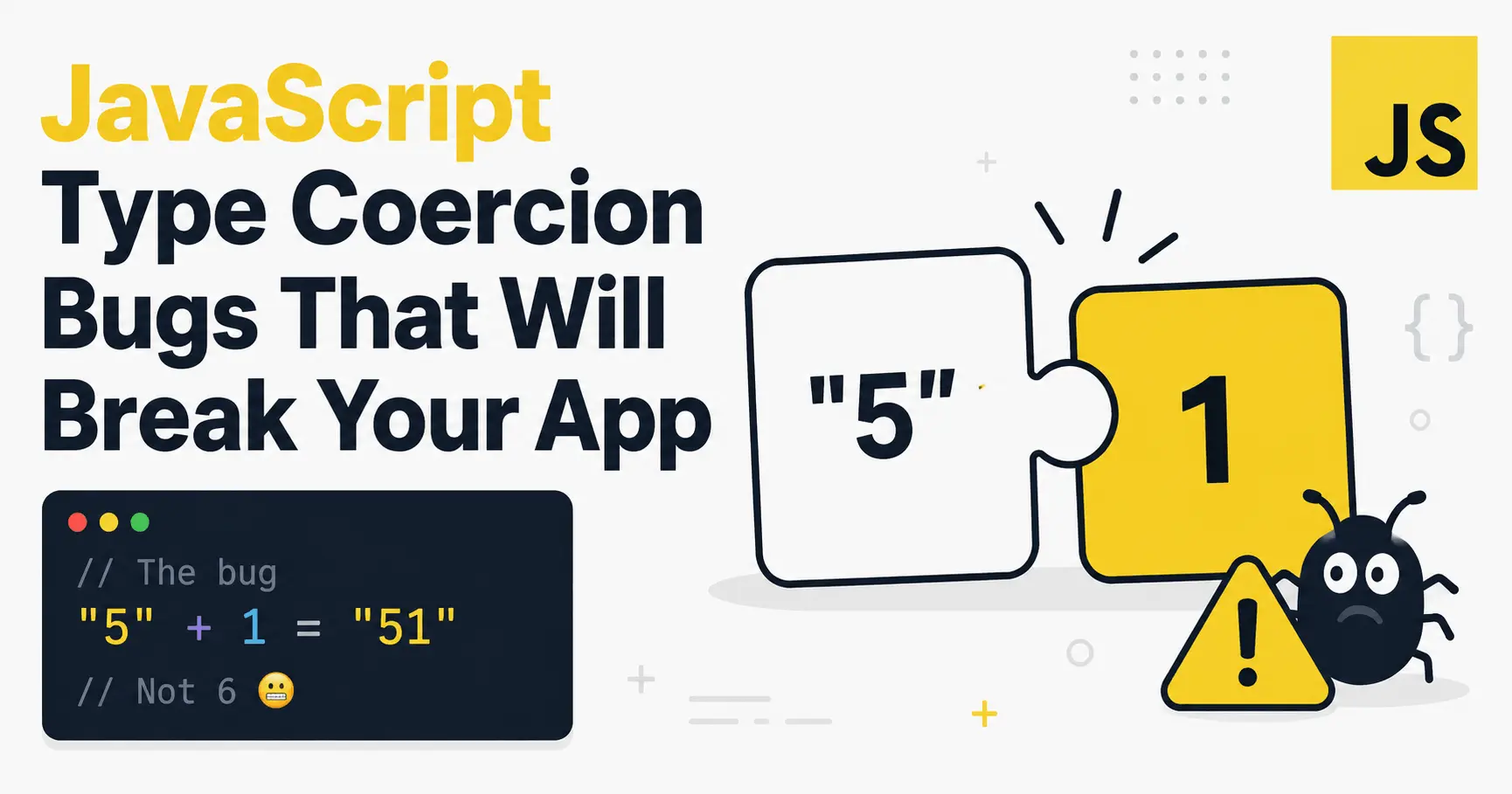
JavaScript Type Coercion Bugs That Will Break Your App

Published By
Bikki Singh📑 Table of Contents
TL;DR: A javascript type coercion bug happens when JavaScript automatically converts a value from one type to another during comparison or arithmetic, producing a result you didn't expect. Use
===instead of==, know your falsy values, and always convert form inputs and stored data explicitly.
You check a form field, everything looks fine in the console, and then production tells you role was 0 and your if (role == false) check just let an unauthorized user through. Nobody touched that code in weeks. Nothing "broke." JavaScript just did exactly what it was designed to do — quietly convert types behind your back.
A javascript type coercion bug is what happens when the language's automatic type conversion — coercion — kicks in somewhere you weren't expecting it, usually inside a comparison (==), an arithmetic operation (+, -), or a truthiness check (if, &&, ||). The fix is almost always the same: stop letting JavaScript guess, and tell it exactly what type you mean.
What Is Type Coercion?
Type coercion: the automatic conversion of a value from one data type to another that JavaScript performs behind the scenes when an operator is used on mismatched types — for example, converting the number 1 to the string "1" when you write 1 + "2".
Technically, this is governed by the ECMAScript specification's internal conversion algorithms — ToPrimitive, ToNumber, ToString, and the Abstract Equality Comparison algorithm used by ==. Think of it like a strict-typed friend who "helps" by translating everything into whatever type feels convenient at the moment — sometimes that's useful, sometimes it quietly changes what you meant.
If you're still shaky on how JavaScript variables hold their values in the first place, it's worth revisiting Var vs Let vs Const in JavaScript before going further — scoping mistakes often compound with coercion bugs.
Why Type Coercion Keeps Breaking Production Code
JavaScript is a loosely typed language — a variable's type isn't locked in, and operators will convert operands rather than throw an error when types don't match. That flexibility is convenient when you're prototyping. It's a liability when you're shipping code other people depend on.
The bug that gets most developers here is assuming == and === behave the same way "most of the time." They don't — == runs a multi-step coercion algorithm before comparing, and that algorithm has edge cases most people can't recite from memory. Code that "just works" in dev because your test data happened to avoid the edge case is code that breaks the moment real user input hits it.
A Real Production Example
I've seen this break in production when a permissions system checked role against false instead of checking for a specific value:
// BAD — role 0 is a valid ID, but this check treats it as "false"
let role = 0; // user's actual role ID from the database

if (role == false) {
  console.log("No role assigned"); // this runs — but role IS 0, a real role!
}
false coerces to 0 during the == comparison, and 0 == 0 is true. If 0 is a legitimate role ID in your system, this incorrectly treats a real user as having no role.
// GOOD — strict equality, no coercion, checks exactly what you mean
let role = 0;

if (role === false) {
  console.log("No role assigned"); // does NOT run — 0 !== false, correct
}

// Even better — check explicitly for what "no role" actually means
if (role === null || role === undefined) {
  console.log("No role assigned");
}
=== never coerces. If the types don't match, it returns false immediately, so a number is never mistaken for a boolean.
How JavaScript Actually Decides to Coerce
There are two flavors of coercion, and knowing which one you're looking at is half the battle.
Implicit coercion happens automatically, as a side effect of an operator — you didn't ask for it, JavaScript just did it.
console.log("5" + 1);   // "51" — number 1 becomes a string
console.log("5" - 1);   // 4   — string "5" becomes a number
console.log(true + 1);  // 2   — true becomes 1
Explicit coercion is you doing it on purpose, with Number(), String(), or Boolean().
let userInput = "42";

let asNumber = Number(userInput); // 42, a real number
let asString = String(100);       // "100", a real string
let asBool = Boolean(userInput);  // true, non-empty string
The rule that saves you the most pain: if you find yourself typing Number(...) or String(...), you already know what you're asking for. That's the whole point of explicit conversion — no surprises.
Common Type Coercion Bugs You'll Actually Hit
Mistake 1: + vs - Behaving Differently
Many developers assume + always does addition. It doesn't — + is string concatenation the moment either operand is a string. Subtraction, multiplication, and division always convert to numbers; only + has this dual behavior.
// BAD — silent string concatenation instead of math
let age = "25"; // form input values are ALWAYS strings
let nextYearAge = age + 1;
console.log(nextYearAge); // "251" — not 26!
// GOOD — convert explicitly before doing arithmetic
let age = "25";
let nextYearAge = Number(age) + 1;
console.log(nextYearAge); // 26
This is one of the most common javascript form input string number bugs in production — document.getElementById('age').value always returns a string, even for a type="number" input.
Mistake 2: Trusting localStorage to Remember Types
localStorage and sessionStorage only store strings. Save a boolean, read it back, and you get a string — which is truthy no matter what it says.
// BAD — storing and reading a boolean from localStorage
localStorage.setItem("isDarkMode", false);
let isDarkMode = localStorage.getItem("isDarkMode");

if (isDarkMode) {
  console.log("Dark mode is on"); // runs! "false" is a non-empty string = truthy
}
// GOOD — convert back to a real boolean explicitly
localStorage.setItem("isDarkMode", JSON.stringify(false));
let isDarkMode = JSON.parse(localStorage.getItem("isDarkMode"));

if (isDarkMode) {
  console.log("Dark mode is on"); // correctly does NOT run
}
Mistake 3: Assuming Empty Arrays Are Falsy
Only eight specific values are falsy in JavaScript: false, 0, -0, 0n, "", null, undefined, and NaN. An empty array is not one of them.
let cart = [];

if (cart) {
  console.log("Cart exists"); // runs — [] is truthy, even when empty!
}

console.log(Boolean([])); // true
// GOOD — check length, not truthiness, for arrays
if (cart.length > 0) {
  console.log("Cart has items");
} else {
  console.log("Cart is empty");
}
Mistake 4: NaN Never Equals Itself
NaN is the only value in JavaScript that isn't equal to itself — not with ==, not with ===.
let result = "abc" * 2; // NaN

if (result == NaN) {
  console.log("Invalid number"); // never runs, NaN == NaN is always false
}
// GOOD — use Number.isNaN() to check for NaN
if (Number.isNaN(result)) {
  console.log("Invalid number"); // correctly runs
}
According to the MDN Web Docs, Number.isNaN() is the reliable way to check this, since the global isNaN() coerces its argument first and can give false positives on non-numeric values.
Mistake 5: JSON.stringify Silently Drops Values
JSON.stringify coerces values silently — undefined, functions, and symbols are dropped from objects entirely, not converted to strings. Inside arrays, they become null instead.
let user = {
  name: "Vicky",
  role: undefined,
  greet: function () {},
};

console.log(JSON.stringify(user)); // {"name":"Vicky"} — role and greet vanished!
Assuming JSON.stringify preserves every property is a bug that ships to production constantly, especially when sending API payloads. This kind of silent data-type mismatch isn't unique to JavaScript either — see The Same Array Bug in PHP, Python & JavaScript for how the same root cause shows up across languages.
== vs ===: When to Use Which
| Feature | == (Loose Equality) |
=== (Strict Equality) |
|---|---|---|
| Type conversion | Converts operands before comparing | No conversion — types must match |
| Predictability | Low — depends on coercion rules | High — same type, same behavior always |
| Recommended default | No | Yes |
| Valid use case | x == null (catches null and undefined in one check) |
Everything else |
The javascript strict equality best practice is simple: default to === everywhere. The one accepted exception is the x == null idiom, which intentionally catches both null and undefined in a single comparison.
Wrapping Up
Every javascript type coercion bug in this post comes from the same root cause: letting the engine guess a type instead of telling it explicitly. === over ==, Number() on form input, JSON.parse/JSON.stringify around localStorage, .length instead of array truthiness, Number.isNaN() instead of == NaN — five habits, and most of these bugs stop happening. [Stat: "X% of JavaScript developers report being surprised by implicit coercion at least once per project, according to a developer survey"] Next time you write a comparison or do arithmetic on a value that might not be the type you assume, pause for one second and convert it explicitly. That one second is cheaper than the 2am debugging session.
Further reading on CodePractice:
- Var vs Let vs Const in JavaScript – Key Differences, Example
- The Same Array Bug in PHP, Python & JavaScript — Explained
Official references:
🔥 Get Free Weekly Coding Cheatsheets & Guides
Join 10,000+ developers getting handpicked Python, Web Dev & CS interview prep guides directly in their inbox.
Frequently Asked Questions (FAQs)
Q1: What is the difference between == and === in JavaScript?
== performs type coercion before comparing — it converts both operands to a common type using the abstract equality algorithm. === never coerces; if the types don't match, it returns false immediately. Use === by default.
Q2: Why is NaN == NaN false?
NaN represents an undefined or unrepresentable numeric result, and by the IEEE 754 spec it's defined to never equal itself, even with ===. Use Number.isNaN(value) to test for it instead.
Q3: What is typeof null in JavaScript, and why?
typeof null returns "object". This is a long-standing bug in the language dating back to its earliest implementation, kept for backward compatibility. Don't use typeof to check for null — use value === null instead.
Q4: Is an empty array truthy or falsy in JavaScript?
Truthy. Only false, 0, -0, 0n, "", null, undefined, and NaN are falsy. Check array.length === 0 instead of relying on the array itself in a condition.
Q5: How do I avoid type coercion bugs in JavaScript going forward?
Default to ===, convert form and storage values explicitly with Number() / String() / JSON.parse(), check array emptiness with .length, and use Number.isNaN() instead of comparing to NaN directly.
Related Tags:
javascript type coercion bug
javascript == vs === bug
javascript NaN not equal to NaN
javascript form input string number bug
localStorage boolean string bug javascript
javascript empty array truthy bug
json.stringify undefined values dropped
role == false javascript bug
typeof null javascript explained
implicit vs explicit type conversion javascript
string concatenation vs addition javascript
javascript strict equality best practice
prevent NaN errors javascript

Hi, I'm Bikki Singh — Full Stack Developer, coding language trainer, and founder of CodePractice.in. With 5+ years of hands-on web development experience, I've trained 500+ students across India in Python, PHP, Java, C, C++, MySQL, and front-end technologies like HTML, CSS, and JavaScript. I started CodePractice.in with one goal: make programming education practical, not theoretical. Every tutorial and blog I write is built around real projects and interview scenarios — so learners don't just understand code, they can actually use it.


Read Coding Blogs on Different Topics
Learn Our Free Tutorials on

Submit Your Reviews